
Cloud Bookkeeping for Restaurants: How to Ditch Spreadsheets Without Losing Control | KYN
 Nov 07,2026
Cloud Bookkeeping for Restaurants: How to Ditch Spreadsheets Without Losing Control
A seven-step plan for cloud bookkeeping for restaurants that keeps reconciliations, approvals, and the audit trail in your hands.
THE SHORT ANSWER
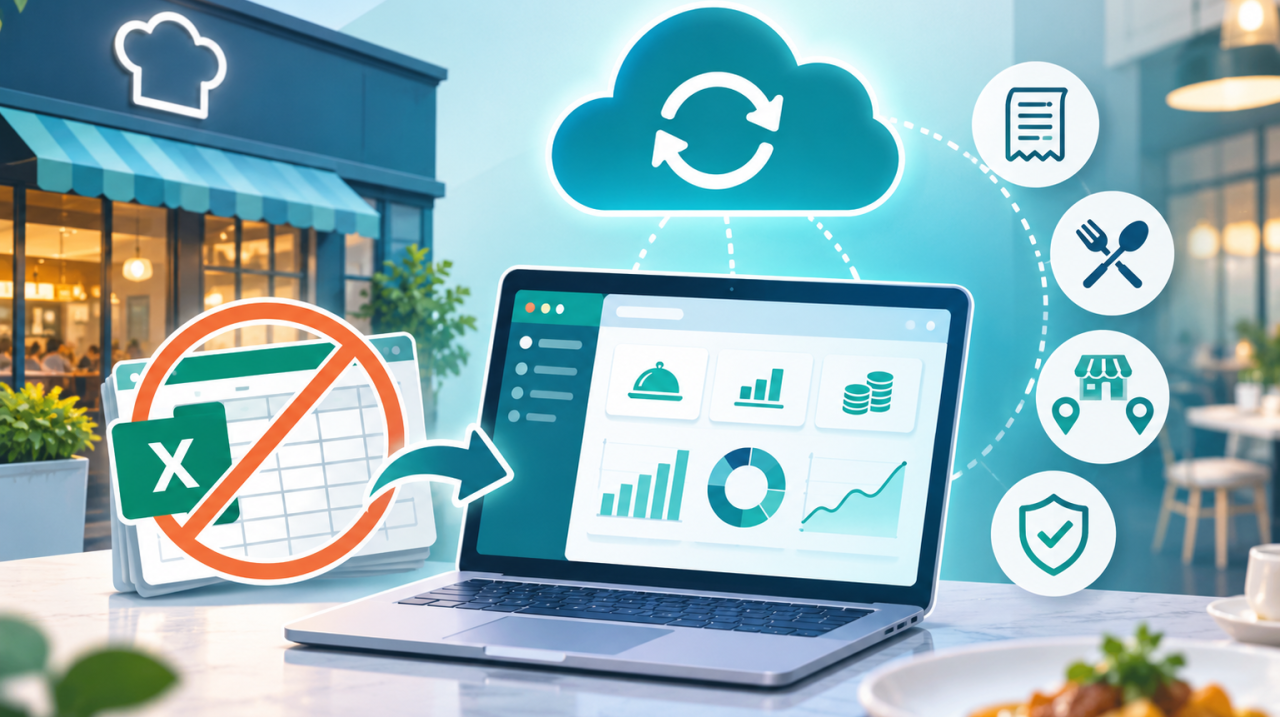
Cloud bookkeeping for restaurants moves your books from spreadsheets into one online system that syncs with your bank, POS, and payroll. Transactions post automatically, everyone works from the same current numbers, and control stays intact through separated duties, scheduled reconciliations, exception review, and an audit trail.
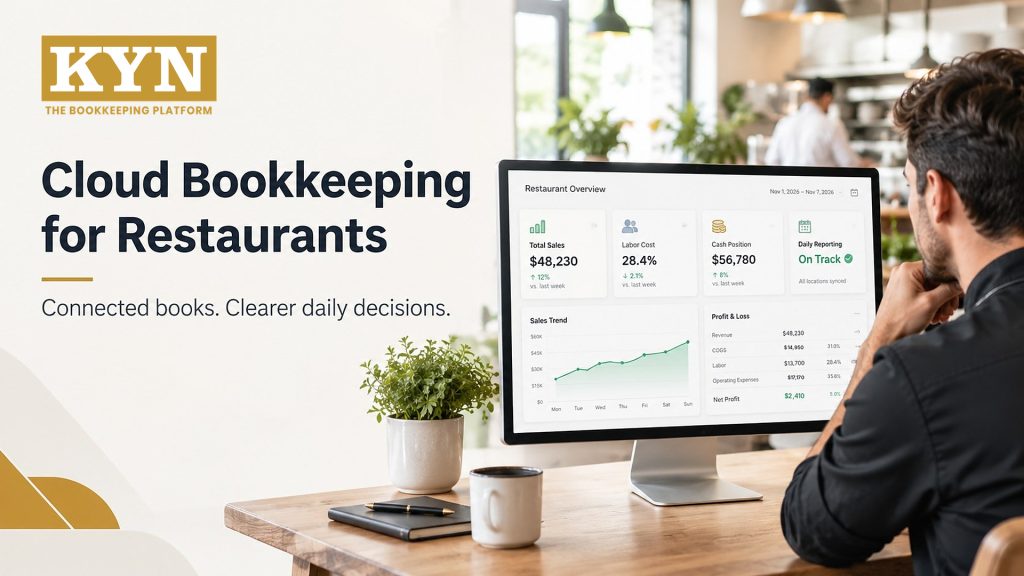
Cloud bookkeeping for restaurants gives owners what spreadsheets can’t: books that update as the business runs, from one shared source. The usual worry is control. Switched in the right order, the move keeps that control and adds checks a spreadsheet never had.
KYN was built by operators who ran 170+ restaurant locations before writing a line of code, and works alongside QuickBooks, Xero, or NetSuite. This guide covers why spreadsheets stop working, what cloud accounting adds, and a seven-step way to switch. For the idea behind it, see What Does “Know Your Numbers” Mean?
Key Takeaways
- Spreadsheets break down as transaction volume, locations and the number of people editing the file grow.
- Cloud bookkeeping syncs bank, POS, and payroll data, so your books reflect this week, not last month.
- Control comes from process: separate duties, scheduled reconciliation, exception review and an audit trail.
- Restaurant bookkeeping software records the numbers; a performance layer like KYN turns them into food cost, labor and prime cost by location.
- Migrate in stages and run old and new books side by side before retiring the spreadsheet.
Why Do Spreadsheets Stop Working as a Restaurant Grows?
A spreadsheet can serve one small cafe. As volume, locations, and staff grow, three problems show up.
Manual entry creates errors nobody sees
A busy restaurant can post hundreds of transactions a day. Every figure typed into a cell is a chance for a misplaced decimal or a broken formula, and those mistakes can sit unnoticed for weeks.
Reports arrive after the decision window closes
When data is keyed in by hand, reports trail the business. Margins are thin: in the National Restaurant Association’s 2025 Restaurant Operations Data Abstract, median pre-tax income was just 2.8% of sales for full-service restaurants and 4.0% for limited-service. At those margins, spotting a food cost or labor problem after month-end means the week that lost money is already over.
Multiple locations and file versions multiply the risk
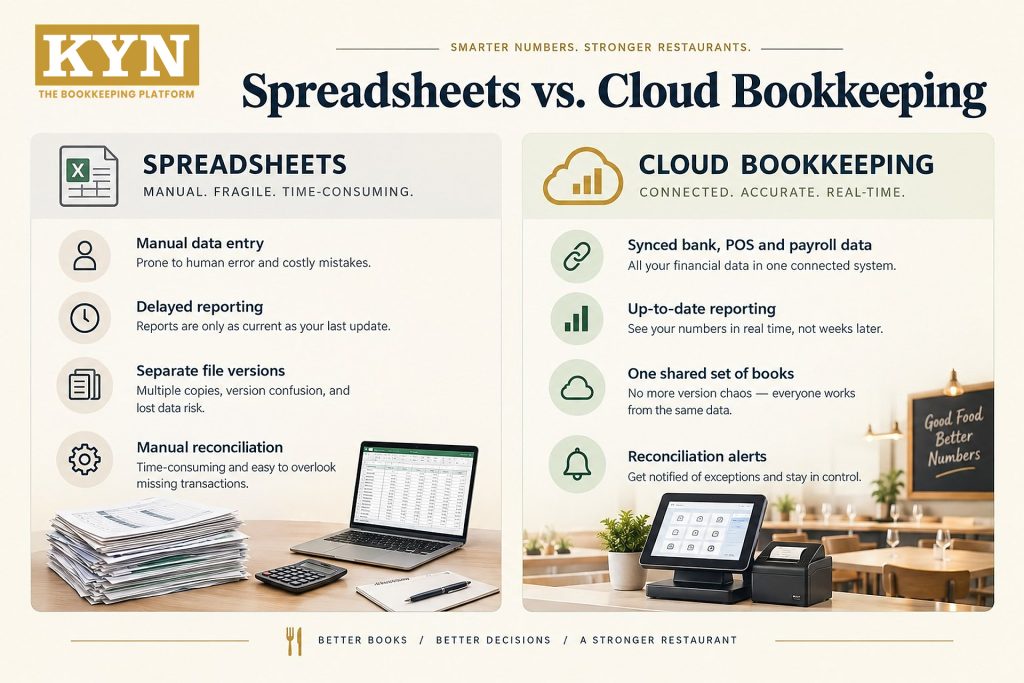
With several locations, sales from separate POS systems get merged into master files, and everyone ends up with their own copy. Excel and Google Sheets keep version history, but they can’t reconcile bank deposits to POS sales or separate who enters data from who approves it. Multi-Location Restaurant Reporting Explained covers what a consolidated view should include.
What Does Cloud Bookkeeping for Restaurants Give You That Spreadsheets Can’t?
Cloud accounting, set up as a restaurant accounting cloud, keeps your books in one place that your bank, POS, and payroll data flow into. In practice that means:
- One source of truth. Owners, managers, and your accountant work from the same books, so nobody emails files back and forth.
- Automation for routine work. Rules categorize recurring transactions and import bank and POS data, so your team reviews exceptions instead of retyping.
- Built-in controls. Role-based permissions, approval workflows, and an audit trail of every edit, void, and refund.
- Backups and security. The platform handles backups and updates, and you add multi-factor authentication.
| Area | Spreadsheets | Cloud Bookkeeping |
|---|---|---|
|
Data Entry |
Typed or pasted by hand |
Synced from bank, POS, and payroll |
|
Reporting |
After manual updates |
On demand, as data posts |
|
Collaboration |
Copies of one file; version confusion |
One shared set of books |
|
Controls |
Depend on discipline; no restaurant workflow |
Role-based access, approvals, audit trail |
|
Reconciliation |
Matched by hand |
Bank feeds and rules flag differences |
|
Multi-Location |
Merged manually each month |
Tracked by location |
How Do You Switch to Cloud Bookkeeping Without Losing Control?
Keep control by changing one layer at a time and verifying each one. Here is a seven-step path.
Step 1: Map your current workflow
List every spreadsheet, recurring task, and data source. Note who enters, who reviews, and who approves each transaction, and mark which steps are real controls and which are just habit. Write down your daily, weekly, and monthly close.
Step 2: Choose restaurant bookkeeping software that fits
Match your restaurant accounting cloud to your size and growth plans. Look for direct bank feeds, POS and payroll integrations, location-level reporting, user permissions, US sales tax and tip handling, and the total cost including per-user or integration fees.
Step 3: Build a restaurant-specific chart of accounts
Separate revenue by location and channel (dine-in, takeout, delivery). Split food, beverage, packaging, labor, occupancy, and marketing costs, and set up accounts so restaurant prime cost (food and beverage COGS plus total labor) calculates cleanly. Don’t over-build: too many sub-accounts hide the story.
Step 4: Connect bank, POS, payroll, and payments
Link bank and card accounts through encrypted feeds, then sync POS sales, refunds, discounts, tips, payroll, vendor bills, and delivery fees. Confirm that deposits reconcile to gross sales after fees and timing differences.
Step 5: Clean your history, migrate, and run both in parallel
Move only what you need for tax, audit, and trend analysis. Standardize vendor names, categories, and location labels, and reconcile opening balances. Then run old and new reports side by side and investigate every variance before retiring the spreadsheet.
Step 6: Put controls in place
Reconcile deposits, card settlements, and cash drawers on a fixed schedule. Separate roles so the person who enters invoices can’t approve payment. Use exception reports to catch missing deposits, duplicate bills, and cost spikes, and keep an audit trail for edits, voids, and refunds.
Step 7: Close monthly, review, and protect access
Set deadlines for invoices, payroll, inventory counts, and reconciliations, and assign an owner to every close task. Review the P&L, balance sheet, and cash flow against prior periods and budget. Require multi-factor authentication and remove access promptly when someone leaves.
SEE YOUR FOOD COST, LABOR, AND PRIME COST BY LOCATION
A live walkthrough of KYN running on top of the books you already keep. No obligation.
Where Does KYN Fit on Top of Your Cloud Books?
In restaurant finance, bookkeeping software records what happened. Owners also need to know what it means: which location is off, why food cost moved, and how much cash is on hand. That is the job KYN does. Not accounting. Performance. KYN works alongside QuickBooks, Xero, or NetSuite rather than replacing them, pulls sales from POS systems such as Toast, Square, Clover, and Revel, and adds labor from ADP, Gusto, Rippling, or Paychex. Its Prime Cost Command Center tracks food cost, labor cost, and prime cost against target for every location, and the Daily Flash Report Matrix shows sales, labor, and cash daily instead of at month-end.
For restaurant groups, KYN’s platform adds multi-location roll-ups, shared expense allocation, and a Store Leaderboard™ that ranks locations on the standardized KPIs in How To Compare Restaurant Performance Across Locations. AI Copilot answers plain-English questions about margins, such as why one store’s food cost jumped last week. Your accountant keeps working in the books you already use; see Security & Trust for how KYN protects financial data and Accountants & Bookkeepers for how firms work with KYN.
Which numbers should you track once your books are in the cloud?
| KPI | What it tells you |
|---|---|
|
Sales |
Revenue by location and dining channel |
|
Food cost % |
Whether purchasing, portions, or waste have moved |
|
Labor cost % |
Whether scheduling is keeping pace with sales |
|
Prime cost % |
Food cost plus labor; keep it at or under 60% of sales |
|
Cash position |
Cash on hand right now |
|
Inventory variance |
The gap between expected and actual usage |
|
Operating margin |
What is left after all costs |
For context, the same NRA data shows full-service labor costs at a median of 36.5% of sales, and limited-service prime cost at about 65 cents of every sales dollar, five points above the 60% target.
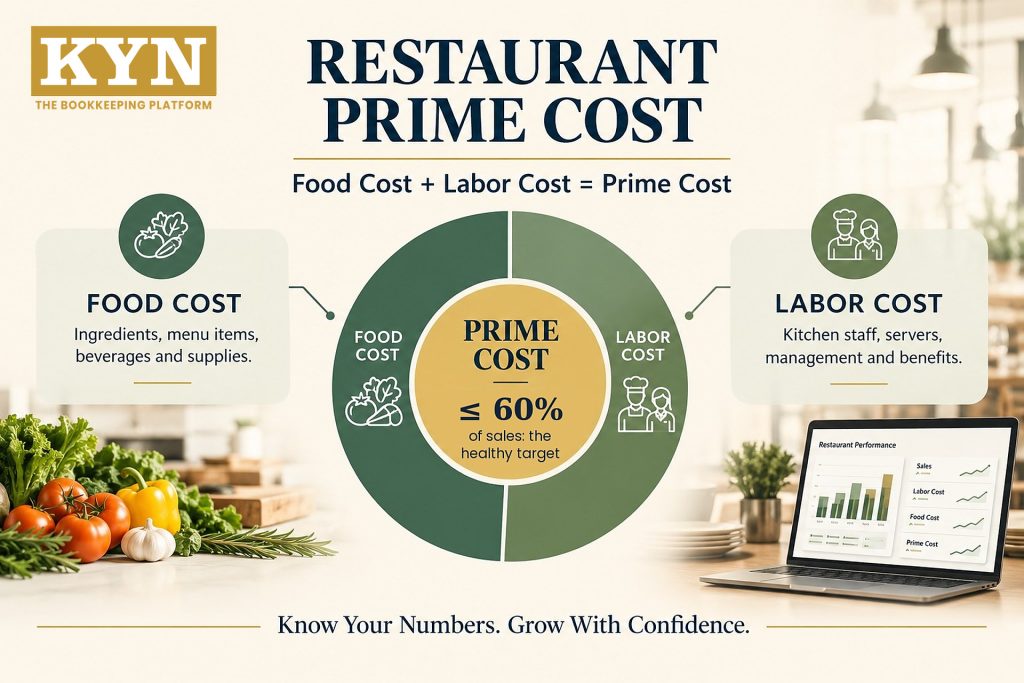
Prime cost = food and beverage COGS + total labor. Keep it at or under 60% of sales; KYN’s benchmark tiers rate 55%–60% as very healthy.
Common Mistakes When Leaving Spreadsheets Behind
- Switching everything at once. Migrate in stages and run parallel reports before you turn the spreadsheet off.
- Importing messy data. Inconsistent vendor names and categories carry straight into the new system.
- Skipping the chart of accounts. Without restaurant-specific accounts, automation has nowhere useful to put transactions.
- Letting automation run unreviewed. Rules can hide duplicate bills and odd charges, so review exceptions.
- Having no baseline. Without your last spreadsheet month’s close time and error count, you can’t tell whether things improved.
How Do You Know Cloud Bookkeeping Is Working?
Use your final spreadsheet period as the baseline, then track:
- Hours spent on data entry and reconciliation.
- How long the monthly close takes.
- How often you find errors or duplicate entries.
- Whether cash is visible daily and reports are consistent across locations.
If exceptions or errors rise, adjust your automation rules, and review user permissions every quarter.
Bottom Line
Cloud bookkeeping for restaurants doesn’t mean giving up control. It moves control from memory to process and connected data. Map your workflow, choose restaurant bookkeeping software that fits, migrate in parallel, and keep reconciliation, separated duties, and exception review in place. Then add a performance layer so your books answer the questions owners ask every week. Ready to move beyond spreadsheets? Book a Demo.
FAQs
1 What is cloud bookkeeping for restaurants?
2 Why should restaurants move from spreadsheets to cloud accounting?
3 What should I look for in restaurant bookkeeping software?
4 Will cloud bookkeeping make me lose control of my finances?
5 Does KYN replace QuickBooks, Xero, or NetSuite?
6 Do I still need an accountant if my books are in the cloud?
TAKE THE GUESSWORK OUT OF YOUR RESTAURANT’S NUMBERS
Location-level food cost, labor cost, prime cost, and cash visibility, running alongside the QuickBooks, Xero, or NetSuite books you already keep.
Sources
- National Restaurant Association, 2025 Restaurant Operations Data Abstract
- KYN, Prime Cost Dashboard
- KYN, Restaurant Prime Cost: Formula, Examples & Benchmarks
Know Your Numbers. Grow With Confidence. — kynusa.com